Smart TV Streaming Apps: Pre-Installed vs Downloaded Performance
Compare pre-installed vs downloaded smart TV streaming apps by speed, quality, and reliability. Find out which apps perform best on your television.
Anúncios
Your smart TV came loaded with smart TV streaming apps you never asked for, and some of them actually outperform the ones you download yourself. The difference between pre-installed and downloaded versions of the same app can affect picture quality, load times, and how often the app crashes mid-show.
Why Do Smart TVs Come With Pre-Installed Apps?
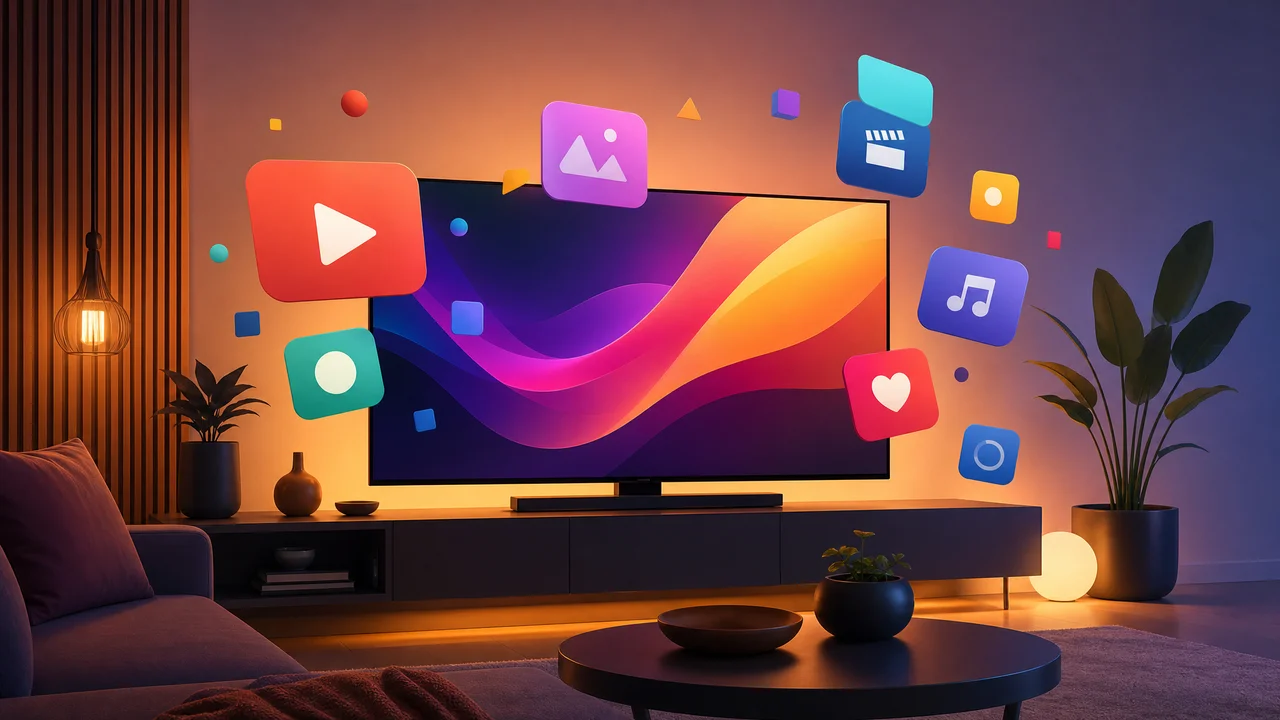
Television manufacturers negotiate revenue-sharing deals with streaming services before the TV ships. Samsung gets paid to pre-install certain apps prominently on its home screen. LG, Sony, and Vizio make similar arrangements. These deals subsidize TV manufacturing costs, which is partly why smart TVs cost less than they should.
Pre-installed apps receive deeper system integration than third-party downloads. They can access hardware acceleration features, launch faster from cold boot, and receive firmware-level optimizations specific to that TV model.
Do Pre-Installed Apps Get Updates as Quickly?
Update timing varies dramatically by manufacturer. Samsung Tizen apps typically update through the TV app store within days of new releases. LG webOS apps can lag weeks behind. Roku-powered TVs update apps through the Roku channel store, which tends to be faster than most built-in TV platforms.
Older TV models often stop receiving app updates entirely after three to four years. Netflix dropped support for several 2016-era Samsung smart TVs in 2024. This forced owners to either buy a streaming stick or replace their television for continued access.
Which Platform Runs Streaming Apps the Smoothest?
- Roku OS — fastest app launches, widest compatibility, regular updates
- Google TV — strong app selection, occasional sluggishness on budget TVs
- Samsung Tizen — polished interface, exclusive app optimizations for Samsung hardware
- LG webOS — smooth navigation, slower app store updates
- Amazon Fire TV — tight Alexa integration, ad-heavy home screen
- Apple tvOS — premium performance, limited to Apple TV hardware
How Does Picture Quality Differ Between App Versions?
The same streaming app can output different quality levels depending on whether it runs natively on the TV or through an external device. A pre-installed Netflix app on a Sony Bravia with Google TV supports Dolby Vision and Atmos natively. The same Netflix app on a basic Chromecast connected to the same TV may only output HDR10.
Hardware decoding capabilities determine maximum supported resolution and HDR format. Pre-installed apps leverage the TV's built-in processor directly, while external streaming sticks add a processing layer that can limit format support.
Should You Use a Streaming Stick Instead of Built-In Apps?
External streaming devices outperform built-in apps on TVs older than three years. A $50 Roku Streaming Stick 4K or Amazon Fire TV Stick 4K Max delivers faster performance, more frequent updates, and longer software support than aging built-in platforms.
For new high-end TVs, built-in apps typically perform equally well or better than external devices. The native integration avoids input switching, reduces cable clutter, and allows the TV remote to control everything without additional hardware.
What Causes Streaming Apps to Crash on Smart TVs?
Limited RAM in budget smart TVs is the primary cause of app crashes. A TV with 1.5 GB of RAM struggles to keep streaming apps running while managing its own operating system overhead. Premium TVs with 3+ GB of RAM rarely experience app instability.
Storage space also affects performance. Pre-installed apps occupy reserved storage that does not compete with user downloads. Downloaded apps share limited available storage, and when space runs low, apps crash during content loading or fail to buffer properly.
How Do Gaming Console Streaming Apps Compare?
PlayStation 5 and Xbox Series X run streaming apps with hardware that far exceeds any smart TV processor. App launches are nearly instant, 4K HDR support is universal, and Dolby Atmos works across every major platform. If you own a current-generation console, it doubles as the best streaming device available.
The downside is energy consumption. A PS5 draws 40-70 watts while streaming compared to 3-5 watts for a dedicated streaming stick. Over a year of daily use, the power cost difference adds up to $15-$30 depending on electricity rates.
Can You Remove Pre-Installed Apps You Don't Use?
Most smart TVs prevent complete removal of pre-installed apps. Samsung allows hiding apps from the home screen but not uninstalling them. LG permits removing some apps but keeps core partners locked. Roku-based TVs allow removing any channel including pre-installed ones.
Disabling unused pre-installed apps frees minor system resources and reduces home screen clutter. While the storage savings are minimal, removing visual noise from your TV interface improves the daily experience of choosing what to watch.
Which Smart TV Brand Supports the Most Streaming Apps?
Roku-powered TVs support the widest range of streaming apps with over 10,000 channels available. Google TV on Sony and TCL comes second with access to the full Google Play Store library. Samsung Tizen and LG webOS have smaller but well-curated app selections covering all major services.
Niche streaming services sometimes launch on one platform before others. Anime-focused apps tend to appear on Roku and Google TV first. Fitness and wellness streaming apps favor Apple TV and Google TV. Sports-specific apps like NFL Sunday Ticket require YouTube TV on Google TV or Roku.
How to Speed Up Slow Streaming Apps on Your TV
Clear the app cache through your TV settings menu. On Samsung TVs, navigate to Settings > Apps > select the app > Clear Cache. On LG, go to Settings > Apps > Running Apps > Clear Data. This removes temporary files that accumulate and slow performance.
Restart your TV by unplugging it for 30 seconds rather than using the remote power button. A full power cycle clears RAM completely, while the soft power button only puts the TV in standby. Performing this weekly prevents the gradual slowdown most smart TV owners experience.
What Happens When Your TV Stops Supporting an App?
When a streaming service drops support for your TV model, the app stops receiving updates and eventually stops working entirely. This happened to Netflix on older Samsung and Vizio models, Disney+ on first-generation Roku devices, and HBO Max on various 2015-2016 smart TVs.
The solution is adding an external streaming device rather than replacing the TV. A $30-$50 streaming stick restores full app access and typically provides better performance than the original built-in platform. The TV itself continues working perfectly as a display.